Epson iPrint: Frequently Asked Questions
Applies To
- Operating Systems: iOS/iPadOS 12.0 or later, Android 5.0 or later
- Hardware: Most Epson Wi-Fi and Ethernet-enabled printers — full supported model list at support.epson.net/appinfo/iprint.
- Related Articles:
Description
Epson iPrint lets iOS and Android users print photos, documents, and web pages directly from their smart device, and scan over a home or small office network — no PC required. It's a free download, compatible with most Epson Wi-Fi and Ethernet-enabled printers.
Important — Microsoft OneDrive Compatibility: Epson iPrint currently can't access files stored on Microsoft OneDrive directly (shows "A communication error occurred"). Workaround: install the Microsoft OneDrive app and share the document with iPrint using OneDrive's own sharing function instead.
Solution
How do I use Siri Shortcuts with Epson iPrint?
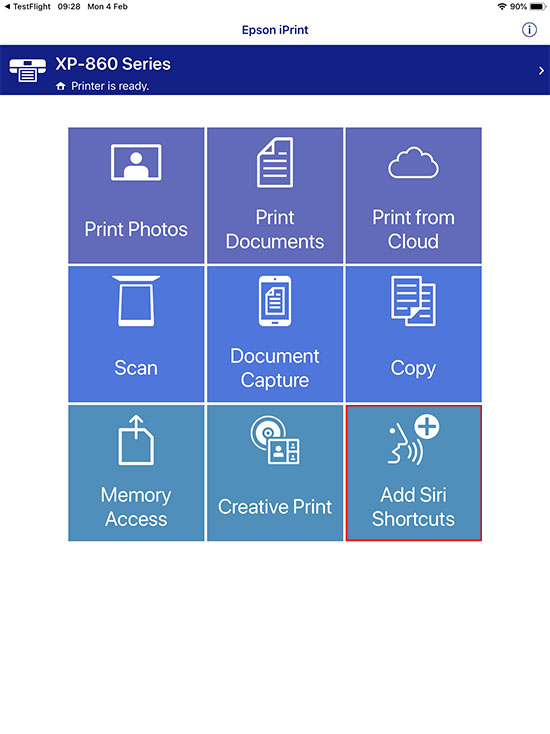
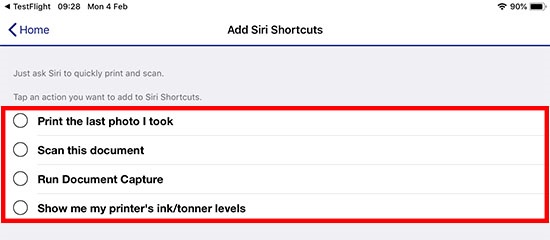
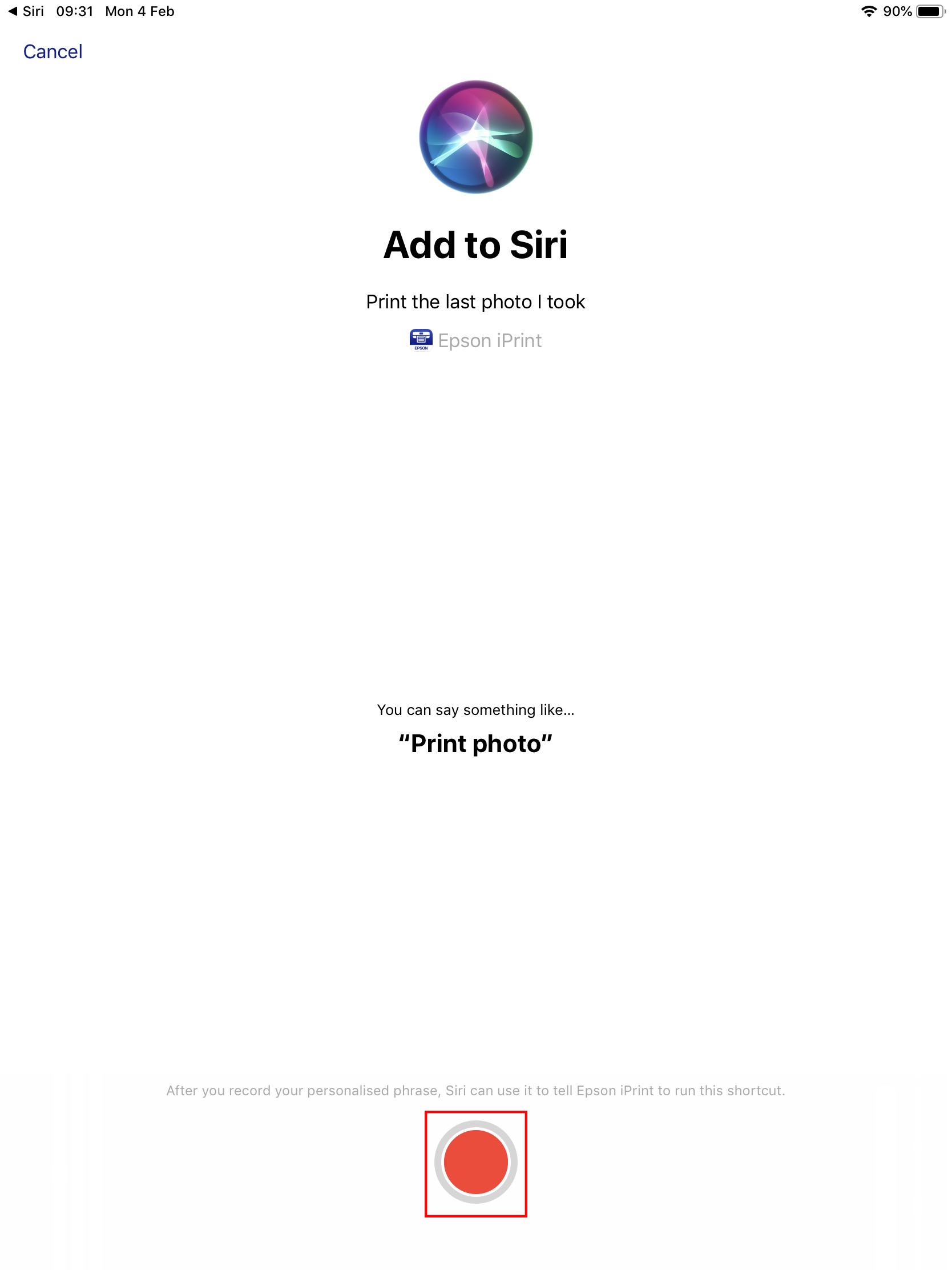
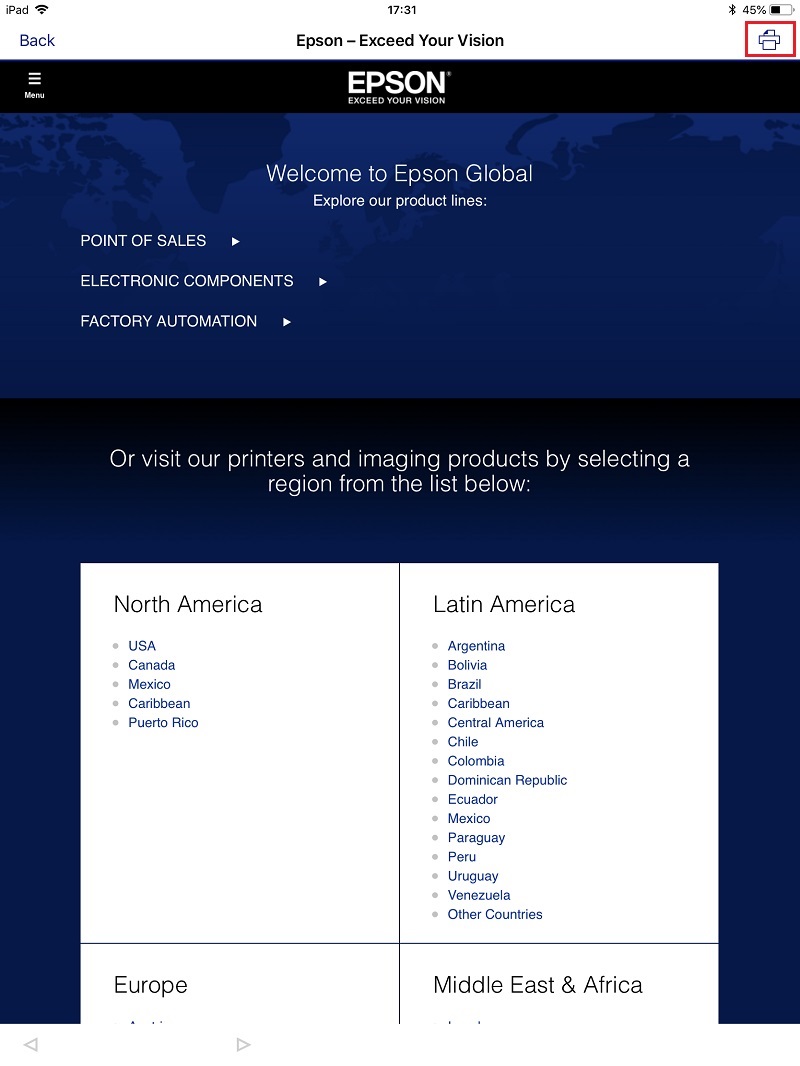
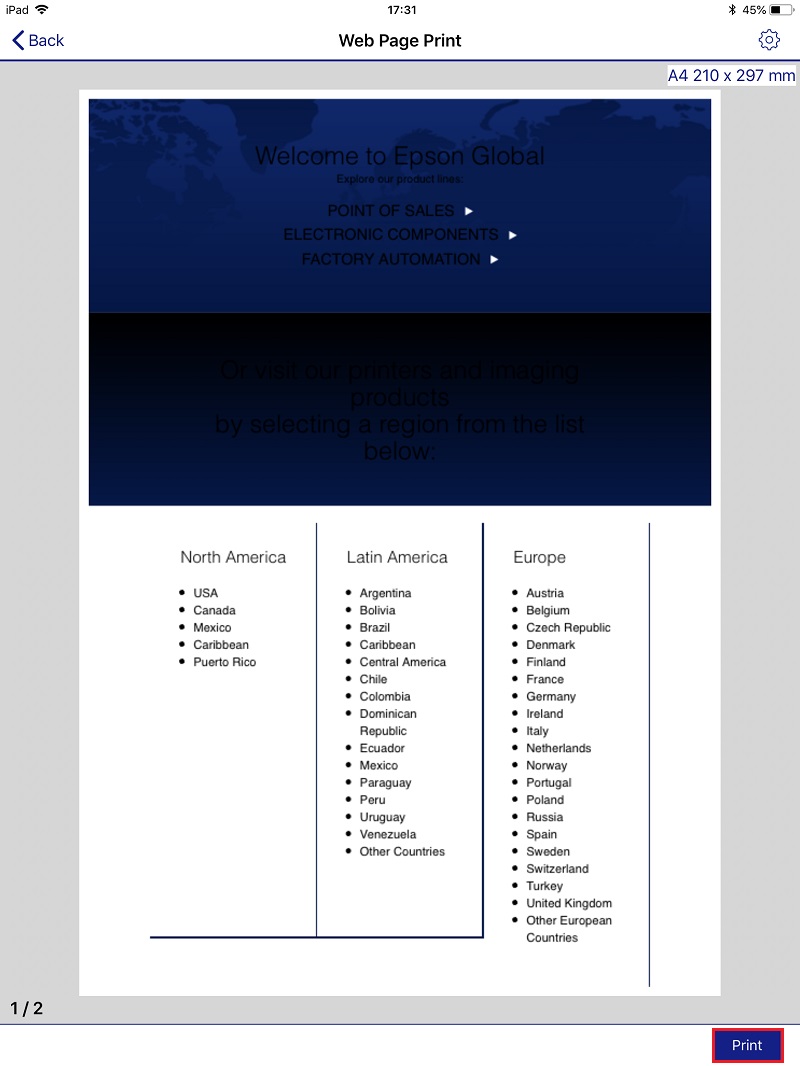
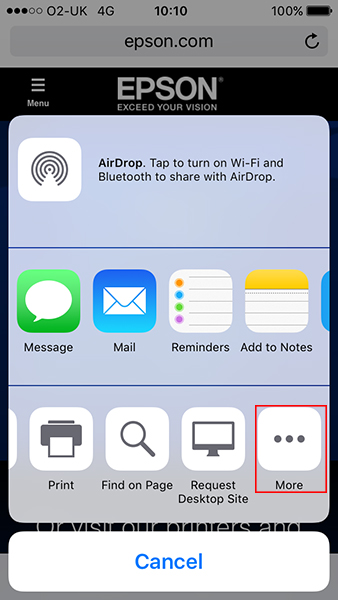
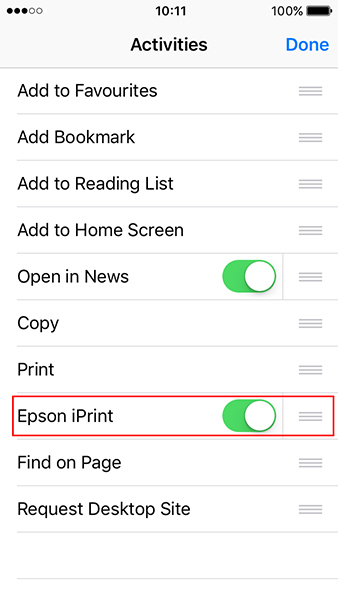
How do I print a web page using iPrint, the option of 'Web Page Print' is no longer available

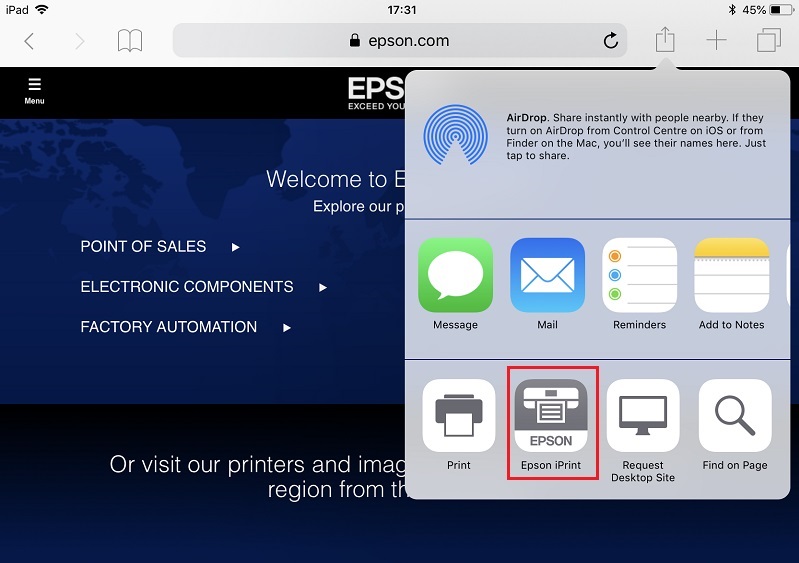
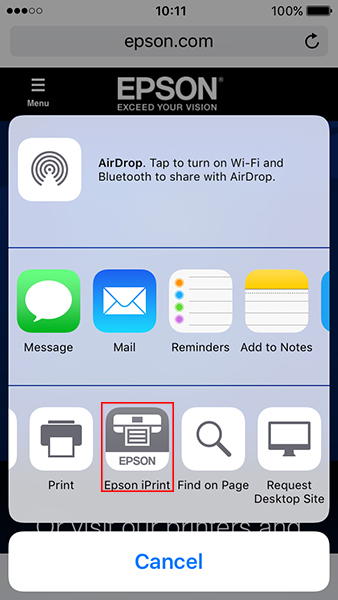
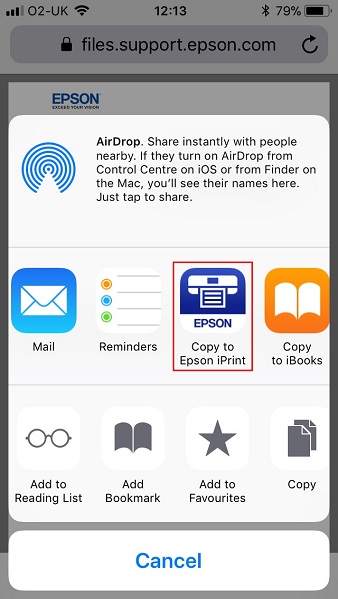
What is the latest version of Epson iPrint?
Can I share documents to iPrint using the share menu to print them?
When I print pictures from emails or social media they are low quality.
When I try to print a picture from the iCloud Photo Library it does not show in iPrint, what can I do?
Which operating system does Epson iPrint support?
Where can I get the Epson iPrint app for iOS?

How much is Epson iPrint?
Which features are available in Epson iPrint 6 or later?
Which features have been removed in iPrint 6.0 or later?
What files can be used with Photo Enhance?
Are borderless options available for 2-up and 4-up layout?
 Note:
Note:
How do I to select and zoom in on images?
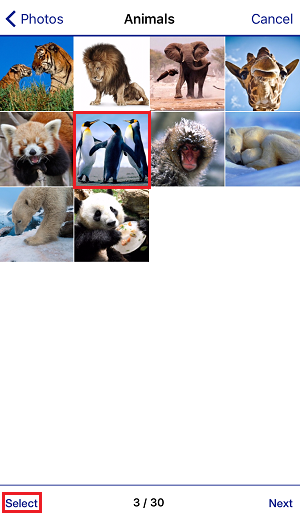
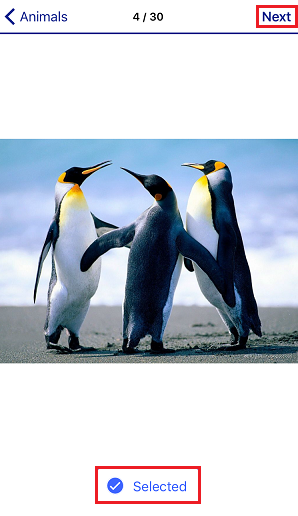

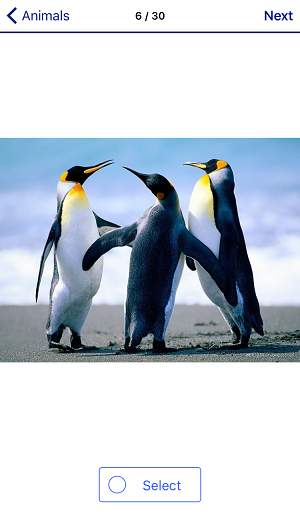
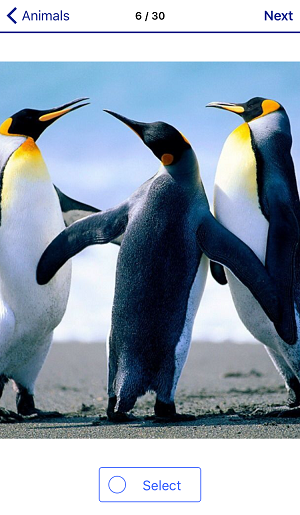
I have noticed that a setting called auto Photo Fix is switched on as default. What is the benefit of this?
How do I switch Auto Photo Fix on and off?
Some of my Microsoft Word, Microsoft Excel or Microsoft PowerPoint documents do not print correctly. What should I do?
I'm unable to locate my printer on the network. What could be wrong?


When I print a web page using Epson iPrint, there is no longer an option for Web Page Print.

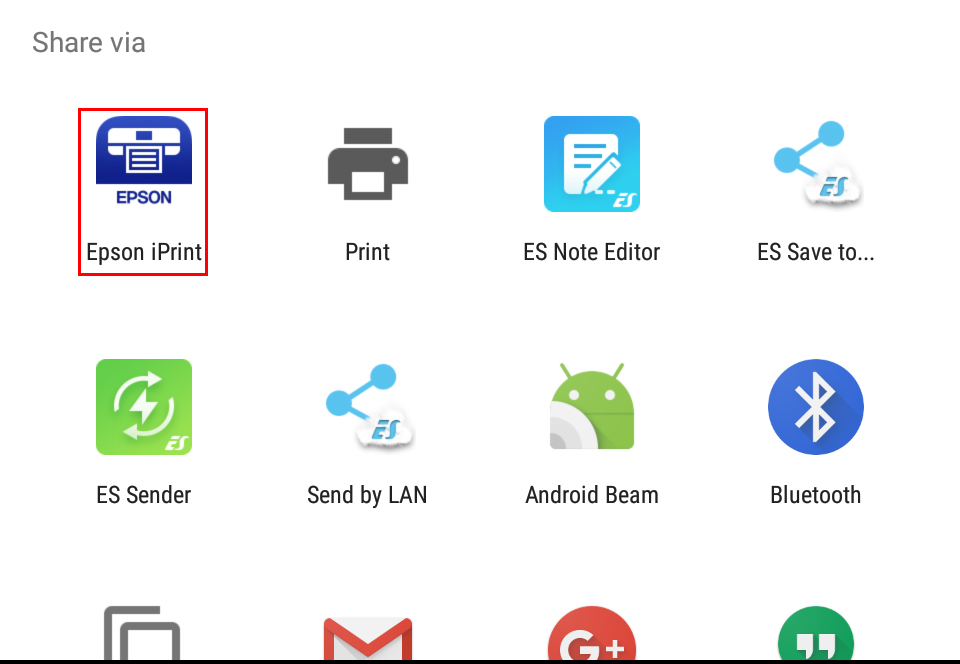

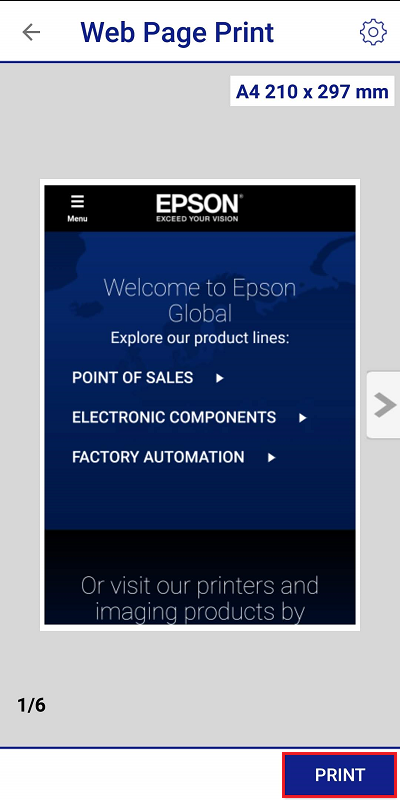
Epson iPrint displays a login page when I try to print a webpage. What should I do? UPDATE
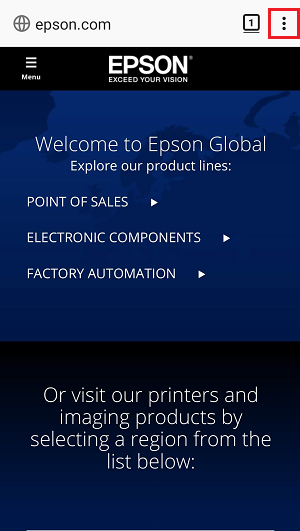
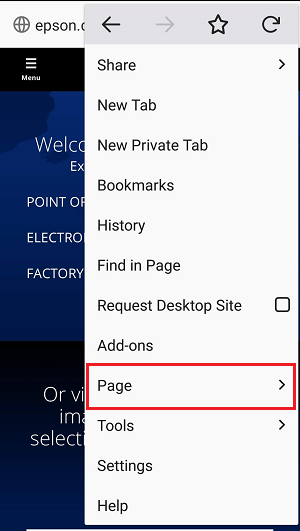
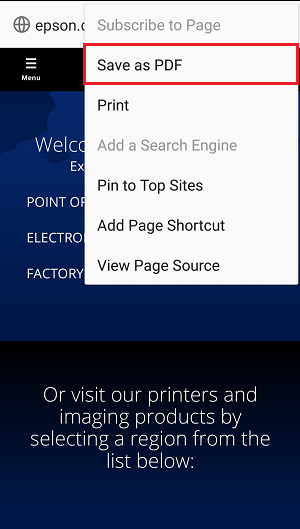
It is no longer possible to access Box Online Storage using Epson iPrint with Android 4.4 (KitKat) or below. What is the reason?
Since updating to Android Oreo I cannot automatically reconnect to a Wi-Fi Direct enabled printer, what can I do?
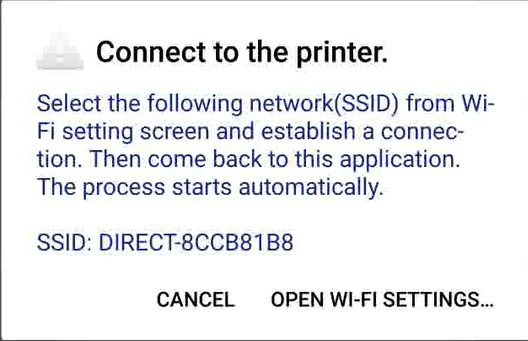
When trying to open iPrint on Android Oreo the program crashes. What should I do?
When I print pictures from emails or social media they are low quality.
What is the latest of Epson iPrint?
Which operating system does Epson iPrint support?
Where can I get Epson iPrint for Android?

How much is Epson iPrint?
Which features are available in Epson iPrint 6.0 and later?
Which features have been removed in iPrint 6.0 and later?
What files can be used with Photo Enhance?
Are borderless options available for 2-up and 4-up layout?
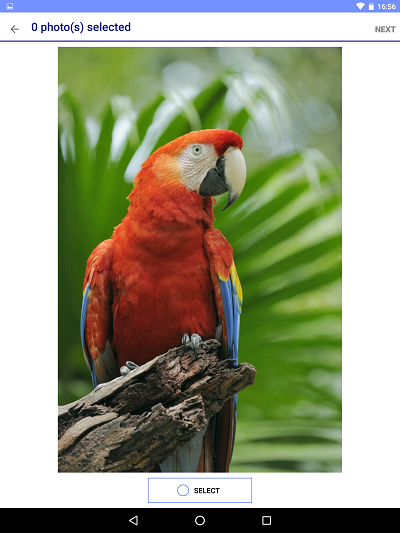
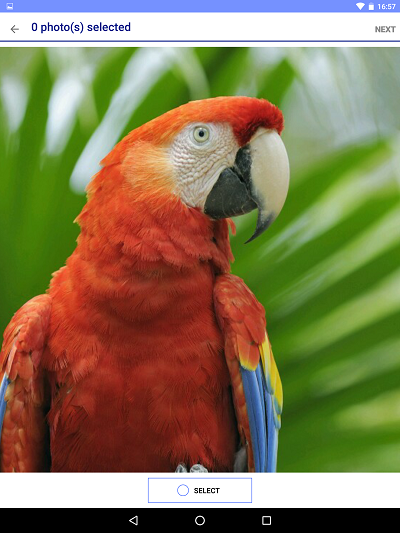
How do I to select and zoom in on images?
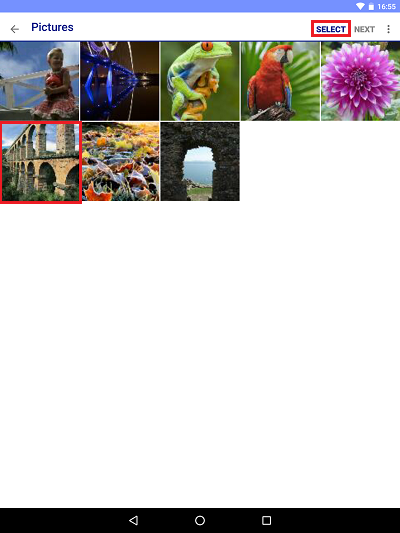
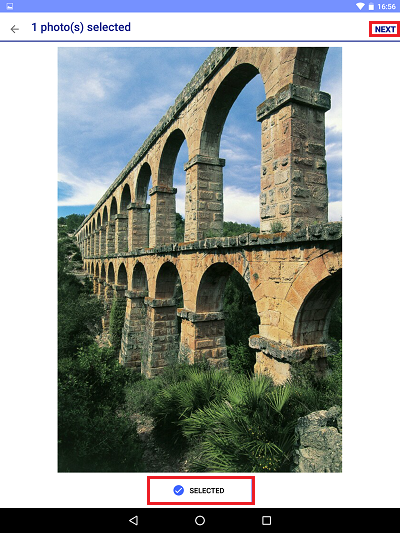
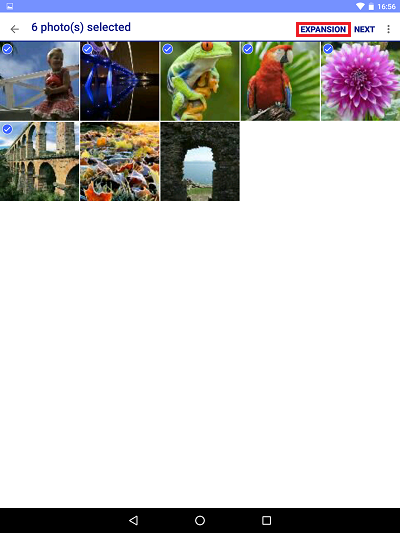
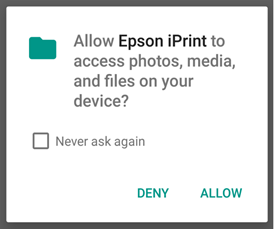
iPrint has asked to allow access to photos, media and files on my device. What should I do?
I have noticed that a setting called auto Photo Fix is switched on as default. What is the benefit of this?
How do I switch Auto Photo Fix on and off?
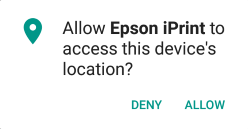
When I install or update iPrint I am asked to allow Location permissions, why is this needed?
Why am I asked to allow the use of my location when trying to connect by Wi-Fi Direct after updating to/installing iPrint 6.0.7 or later on an Android 6 or later device?
How to Set Up a Wireless Epson Printer to Print Using Epson iPrint
How to print photographs wirelessly using Epson iPrint
How to Print a Web Page Wirelessly using Epson iPrint - iOS
How to Print a Web Page Wirelessly using Epson iPrint - Android
How to Scan Wirelessly using Epson iPrint
How to Print from Online Storage using Epson iPrint
Save Photos to Memory Device using Epson iPrint
Save Photos to Mobile Device using Epson iPrint
How to Print a Saved Document Using Epson iPrint
How to Scan a document using Epson iPrint
A full list of supported models can also be found at support.epson.net/appinfo/iprint.