ReadyPrint | How to change your delivery address
Applies To
- Software/Service: ReadyPrint (all tiers).
Solution
If you need to change your delivery address, please follow the instructions below:
-
Log in to the Epson ReadyPrint portal.
-
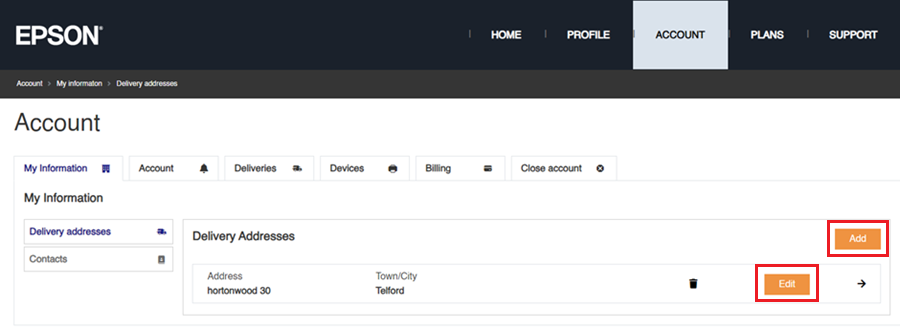
Click on the Account tab at the top of the webpage, followed by clicking on either Add for an additional address or Edit to change an existing one.
-
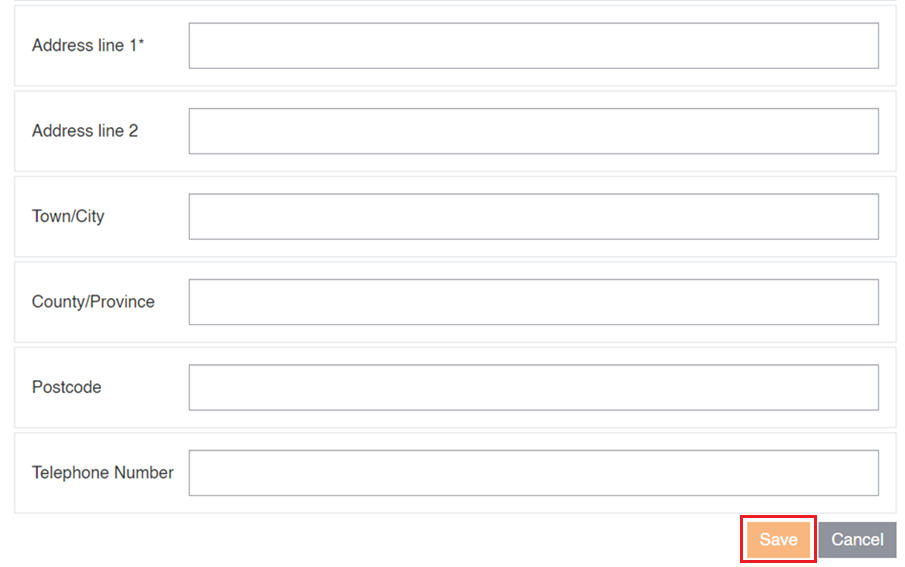
Fill out the new/amended address details and click on Save to complete the process.