ReadyPrint | Adding a serial number for an EcoTank product
Applies To
- Software/Service: ReadyPrint EcoTank.
-
Related Articles:
- KA-01939 (updating or swapping a serial number already on your account)
Description
When subscribing to a ReadyPrint EcoTank plan, you may need to enter your product's serial number yourself.
Solution
When subscribing to a ReadyPrint EcoTank plan, you may be required to enter the serial number for the product yourself. This can be performed by doing the following:
-
Log in to the Epson ReadyPrint portal.
-
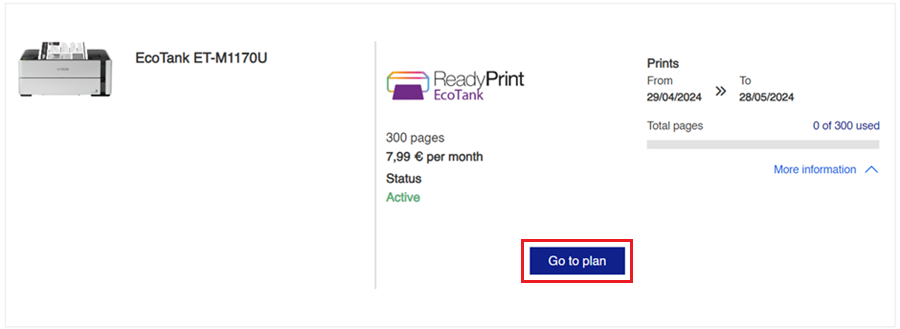
On the home screen, click the Go to plan button.
-
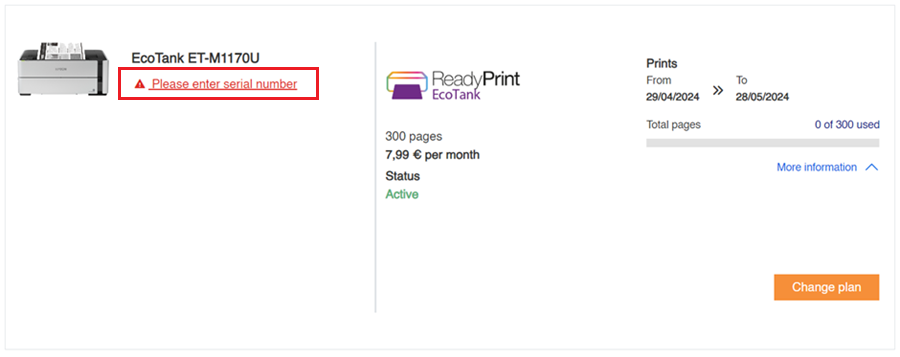
Click the Please enter serial number link under the product model to proceed.
-
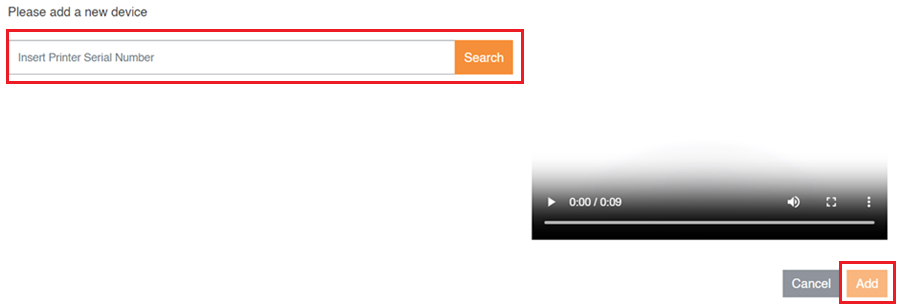
Enter your serial number and click the Search button. Check the result matches your serial number and click the Add button to complete the process.