ReadyPrint | How to check ink levels
Applies To
- Software/Service: ReadyPrint (all tiers).
Solution
To check ink levels for your ReadyPrint product, follow these steps:
-
Log in: Visit the Epson ReadyPrint portal and use your registered username and password. These are the same details you used when setting up your ReadyPrint account.
-
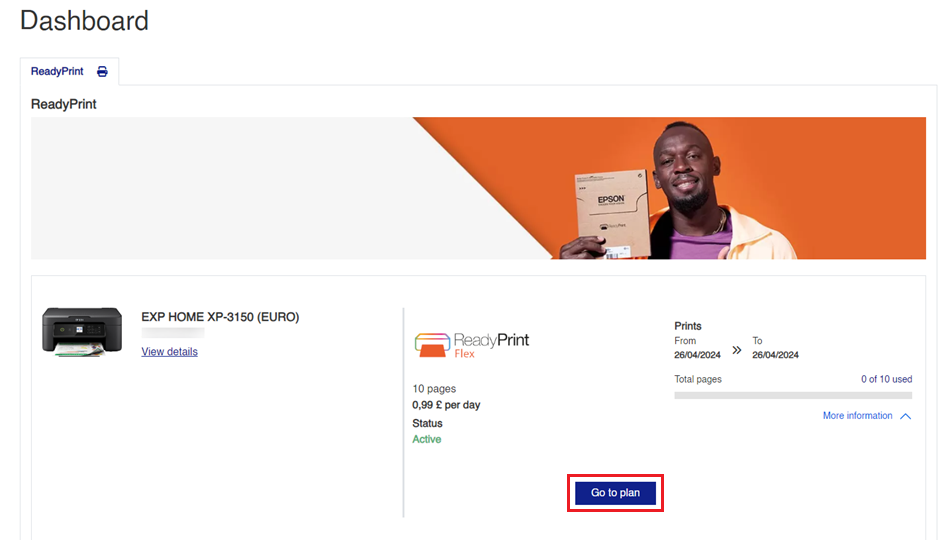
Navigate to the plan section: Once you’re on the home screen, click on the Go to plan button.
-
Check ink levels: Scroll down the page, and you’ll find an option for Ink Levels. Click on it to view the current ink levels for your printer.
