ReadyPrint | How to close an account
Applies To
- Software/Service: ReadyPrint.
-
Related Articles:
- KA-01662 (cancelling your plan — do this first)
Description
If you're looking to close your ReadyPrint account, follow these steps.
Solution
- Log in to the Epson ReadyPrint portal using your registered username and password.
-
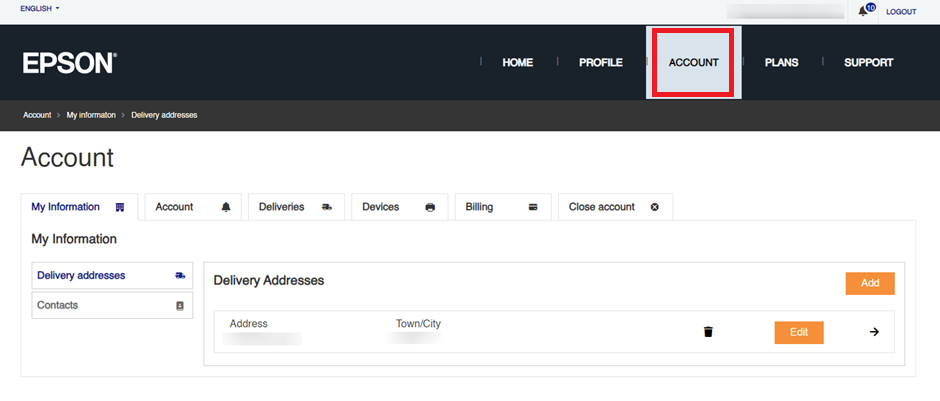
Click the Account tab at the top of the webpage.
-
Click the Close account tab, then the Close account button.

Note: Before closing your account, cancel any active plans and settle any outstanding payments first — see KA-01662. Once that's done, you can proceed with closing your account completely.