ReadyPrint | How can I see my print information?
Applies To
- Software/Service: ReadyPrint.
-
Related Articles:
- KA-01524 (rollover pages — explains the print data shown here in more detail)
Description
The ReadyPrint portal lets you access all the print data related to your account, including monthly print volumes, carry-over pages, and over-printing pages.
Solution
- Log in to the Epson ReadyPrint portal with your username and password.
-
On the home screen, click Go to plan.
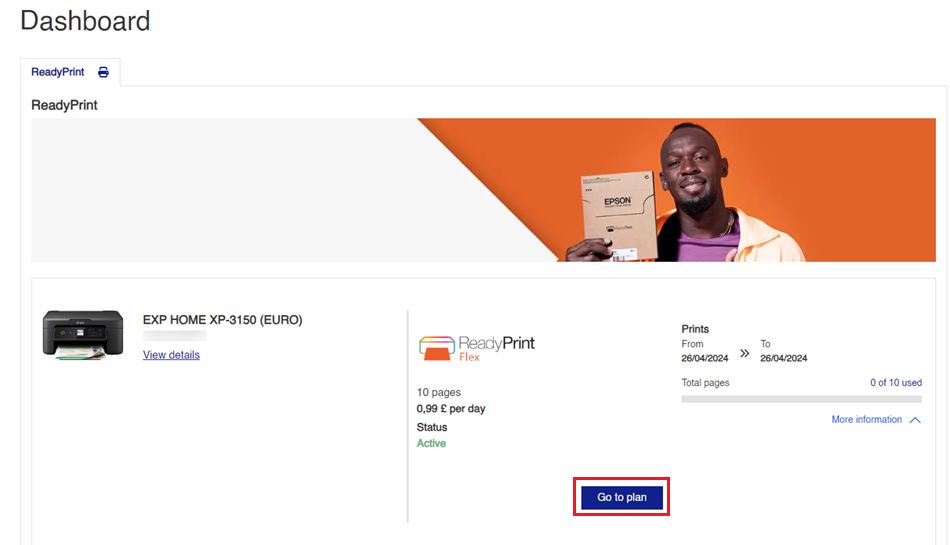
-
Scroll to the bottom of the page to see print data relating to your account.

Note: Not sure what "rollover pages" means, or why some have disappeared? See KA-01524.